Connectors
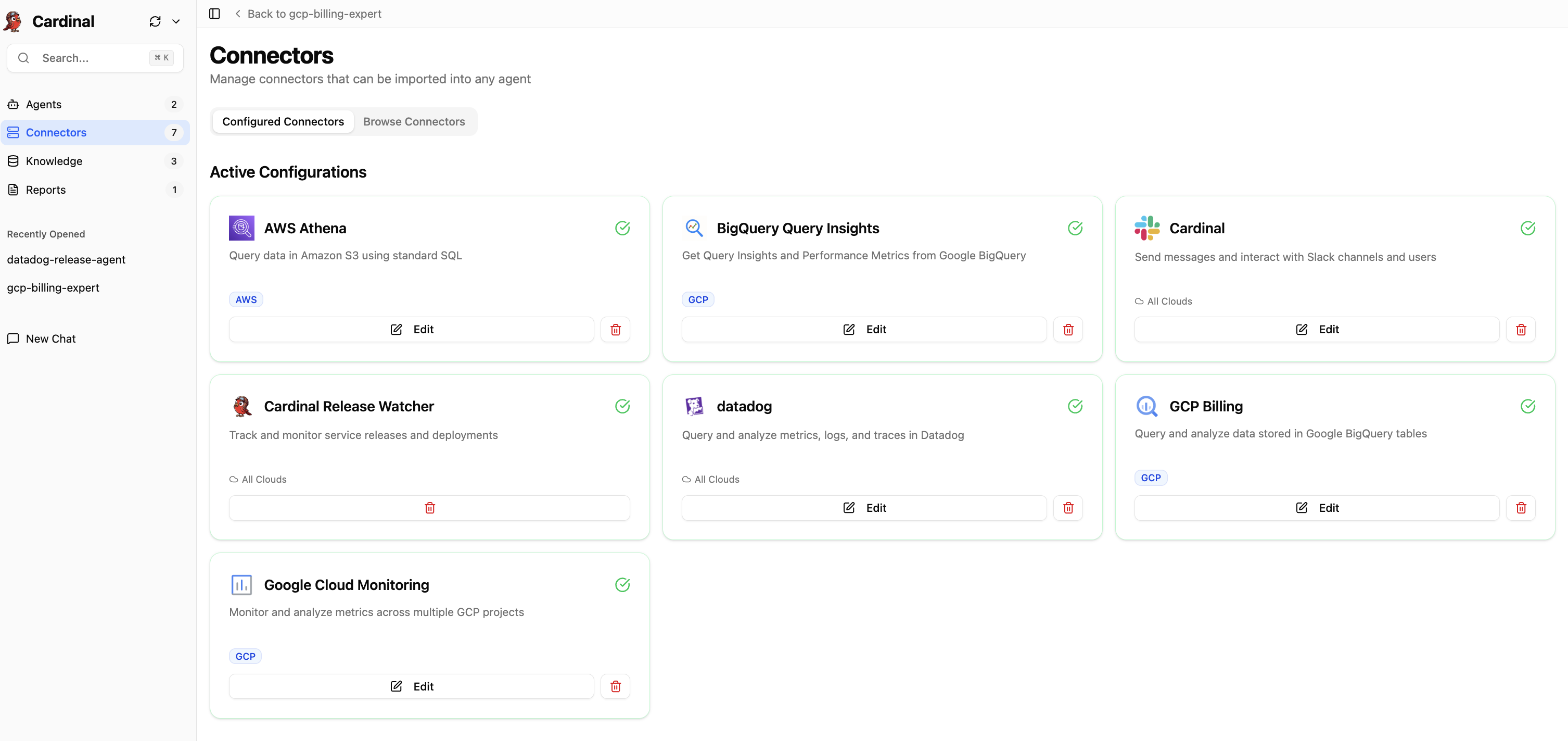
Connect to data warehouses, observability platforms, and more. Configure connectors once at the org level, and they’re instantly available to all agents.
When you import a connector into an agent, you can optionally override settings like credentials, project/account or region so that agent runs with its own scoped configuration while still inheriting the global setup by default.
In multi-agent chat, agents use the shared global connector configuration automatically unless an agent-specific override is applied.
Available Connectors



















Sharing & Organization
Connectors you add are configured globally and shared within your organization. When configuring connectors, you have the flexibility to control credential sharing:
- Global Configuration - Connectors are set up once and available to all team members in your organization
- Credential Sharing - During connector setup, you can enable "Share with Org" for credentials, allowing other team members to use the same connector without needing separate authentication
- Credential Security - Choose which credentials to share organizationally while keeping sensitive information restricted if needed
Reach out to support@cardinalhq.io for support or to ask questions not answered in our documentation.